
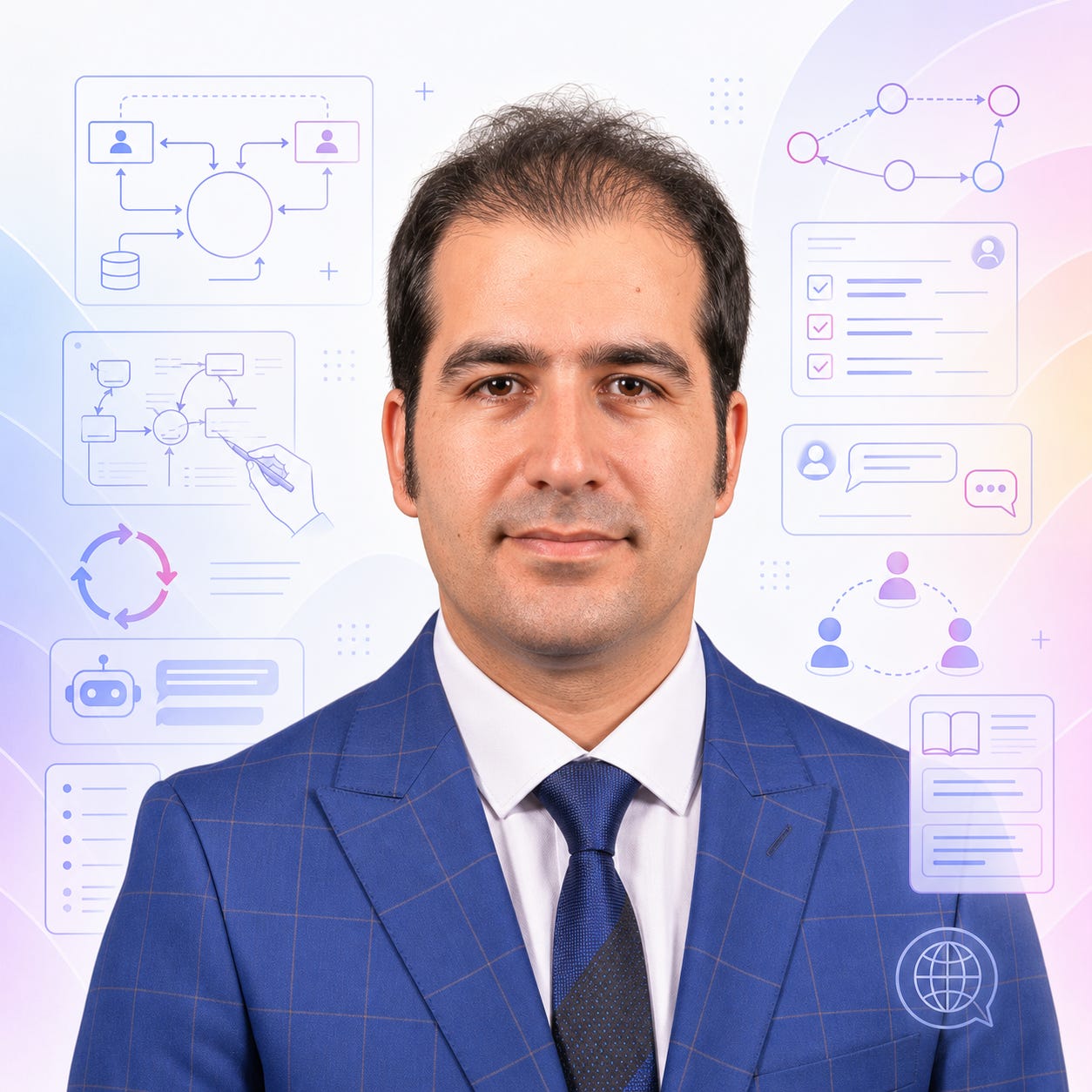
Dr. Jalal Sarabadani is an educator and curriculum designer passionate about blending technology, creativity, and real-world learning in the classroom. In this interview, Sarabadani discusses how AI is being used in Systems Analysis and Design.
Source note: This is an edited interview adapted from a narrated video submitted to OpenAI. Watch the associated video in OpenAI Academy.
Intro
Dr. Jalal Sarabadani is passionate about blending technology, creativity, and real-world learning. At San Jose State University, he teaches Systems Analysis and Design, a course where students must master the abstract yet practical skills of modeling information systems. In this interview, Dr. Sarabadani explains how he uses ChatGPT to scaffold group exercises, accelerate feedback, and foster a more inclusive, iterative, and collaborative classroom environment. His approach demonstrates not only how AI can save instructors time but also how it can empower students from diverse backgrounds to engage more deeply with complex material.
The Interview
Q: Dr. Sarabadani, can you walk us through how you use ChatGPT in your Systems Analysis and Design class?
Sarabadani: Absolutely. One of the core exercises in my class is having students draw a logical version of an information system—specifically, context diagrams. These diagrams help students visualize how entities, such as users or administrators, interact with a system and what data flows between them. To make this process more approachable, I use ChatGPT as both a brainstorming assistant and a constructive reviewer.
Q: What does the exercise look like in practice?
Sarabadani: I start by preparing a simple prompt for ChatGPT. For example, I’ll ask it to act as a professional analyst and provide step-by-step guidance for drawing a context diagram for a job portal system. I distribute this prompt to students, who are grouped in teams of five. Their first task is to use ChatGPT to brainstorm and collaboratively create their initial diagram draft, all within about 10–15 minutes.
Q: How do students interact with ChatGPT during this phase?
Sarabadani: Each group engages with ChatGPT on their laptops or phones, inputting the prompt and following the AI’s step-by-step suggestions. ChatGPT is particularly helpful at breaking down the task—defining the system, identifying external entities, and labeling data flows. It also suggests clear, professional labels, which is critical since many students are still building their technical vocabulary.
Q: What happens after the first draft is complete?
Sarabadani: After about 15 minutes, I ask students to upload a photo of their drawing to ChatGPT and prompt it to act as a constructive reviewer. They request feedback on their diagram—what’s working, what could be improved, especially around labeling. ChatGPT’s image processing is surprisingly good, even with handwritten diagrams. It can spot issues like improper labeling, such as using verb phrases where only nouns should be used, and it gives actionable feedback.
Q: How do students respond to this feedback loop?
Sarabadani: They revise their diagrams based on ChatGPT’s suggestions, then sometimes repeat the process for further refinement. This iterative feedback cycle is powerful. Before using ChatGPT, I could only give one round of feedback per class session. Now, every group gets personalized, immediate feedback, which dramatically increases the number of iterations and the depth of learning.
Q: What impact have you noticed on students, especially those from diverse backgrounds?
Sarabadani: ChatGPT helps level the playing field. Many of my students are multilingual, and English labeling can be a barrier. With ChatGPT, they get clear, accurate language support, which boosts their confidence and participation. The AI also encourages more collaboration—students discuss and debate ChatGPT’s suggestions, cross-checking them with their own understanding. It’s a human-in-the-loop process that strengthens both technical and teamwork skills.
Q: Do you use ChatGPT for anything beyond diagramming and feedback?
Sarabadani: Yes, I encourage students to ask ChatGPT to generate a summary or a study guide based on their chat history. ChatGPT can create a downloadable PDF that students can save and review later. This makes the learning process more sustainable and gives them a personalized resource for future reference.
Q: How has this changed your own teaching workflow?
Sarabadani: It’s made assignment creation and feedback much faster for me. ChatGPT acts like a teaching assistant—I can focus more on facilitating learning and less on repetitive tasks. The classroom feels more dynamic and inclusive, and students are more engaged.
What Stands Out
Core idea: Dr. Sarabadani’s approach demonstrates how AI can act as both a brainstorming partner and a constructive reviewer, accelerating student learning and enabling more feedback cycles than traditional methods.
Classroom design: By structuring group exercises around ChatGPT prompts and feedback, he creates a collaborative, iterative environment where students learn both technical skills and teamwork.
Student impact: The use of ChatGPT lowers language barriers, builds confidence, and encourages students from diverse backgrounds to participate more actively and thoughtfully in complex assignments.
Transferable lesson: Integrating AI as a co-pilot in classroom exercises can save instructors time, deepen student engagement, and make advanced concepts more accessible to all learners.
Bio
Dr. Jalal Sarabadani is an educator and curriculum designer passionate about blending technology, creativity, and real-world learning in the classroom. He focuses on helping students build critical thinking and entrepreneurial skills through engaging, project-based experiences. He is especially interested in how AI can support authentic learning and empower both students and teachers.
I think "collaborative thinking partner" is a much healthier framing than "answer machine."
The value isn't that AI thinks for us. It's that it helps expose assumptions, challenge first ideas, generate alternatives, and make our own thinking more visible.
In education especially, the most productive interactions seem to be the ones where AI creates cognitive friction rather than removing it. The goal isn't fewer thoughts—it's better ones.
How i get