

Issue 4: August 12, 2026
Welcome back to The Edu Prompt, a field guide for learning, teaching, and building with AI from OpenAI Education.
This week is about what happens when educators move from “what can AI do?” to “what can I build and try by Friday?” We’re looking at OpenAI Academy Skills Jams, new education plugins, a faculty-built course example, and a few practical ways to get ready for back to school.
In This Issue
Feature: Skills Jams with OpenAI Academy.
Product Corner: New education plugins for ChatGPT Work and Codex.
ChatGPT Work in the World: Robert Voss builds an interactive American West course.
Back to School Idea: Write the AI rules before the assignment starts.
Learning with OpenAI: Upcoming Academy sessions.

Feature Story: Skills Jams with OpenAI Academy
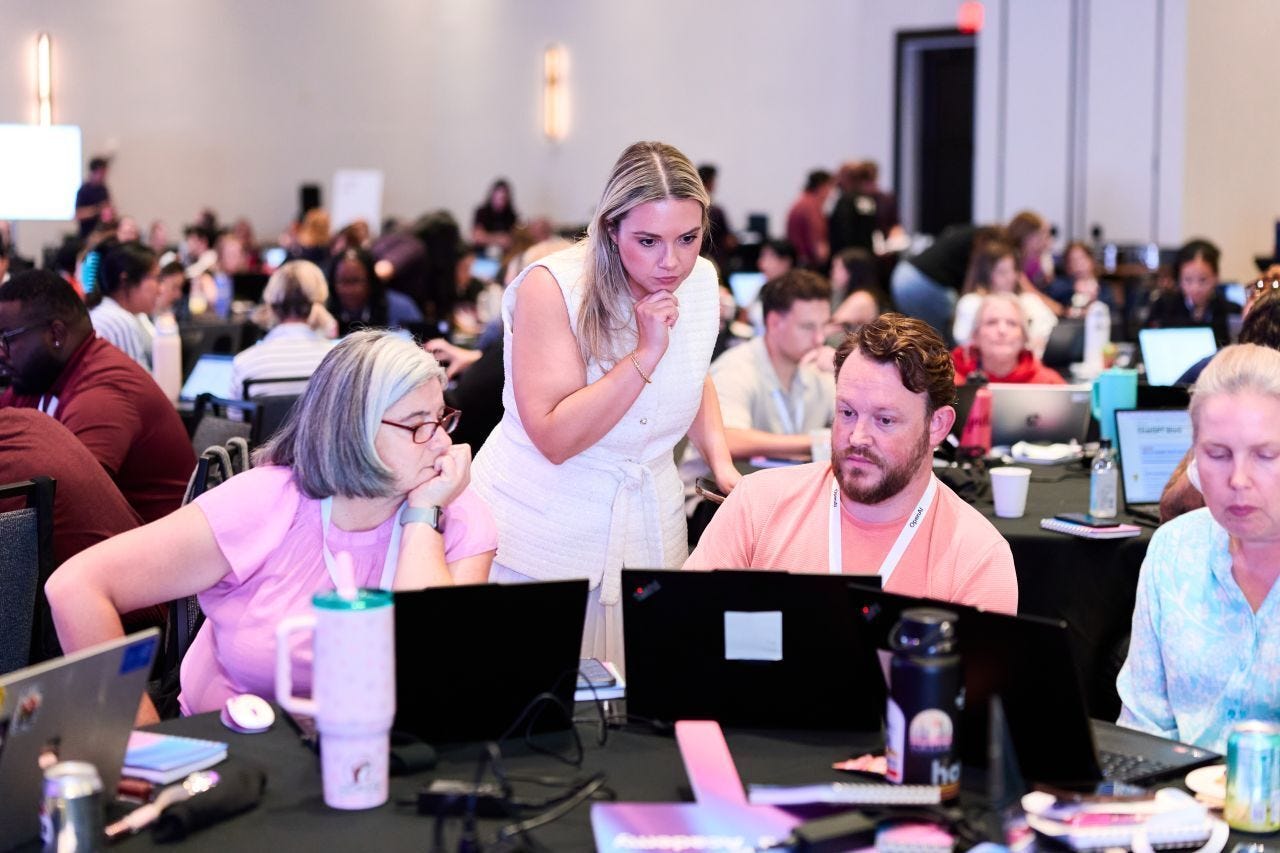
K-12 teachers, staff, and district leaders have been joining OpenAI Academy Skills Jams across the country this summer. The format is deliberately practical: educators learn with OpenAI mentors, district partners, and peers, then leave with at least one ready-to-use AI workflow, prompt, or classroom idea.
One pattern we’re seeing: small, shareable ideas travel well. Educators are turning everyday work into simple prompt cards with three parts: the idea, the prompt, and how it helps. Another pattern: teams are using the Jams to move from curiosity to implementation, including lesson planning, family communication, administrative workflows, and first steps with ChatGPT Work.
Here are a few ideas that surfaced:
Use assessment data to form student groups and plan interventions
- Lindsey Thames, fourth-grade teacherMake grade-level texts more accessible for students with learning differences - Ava Morton, 8th-grade special education teacher
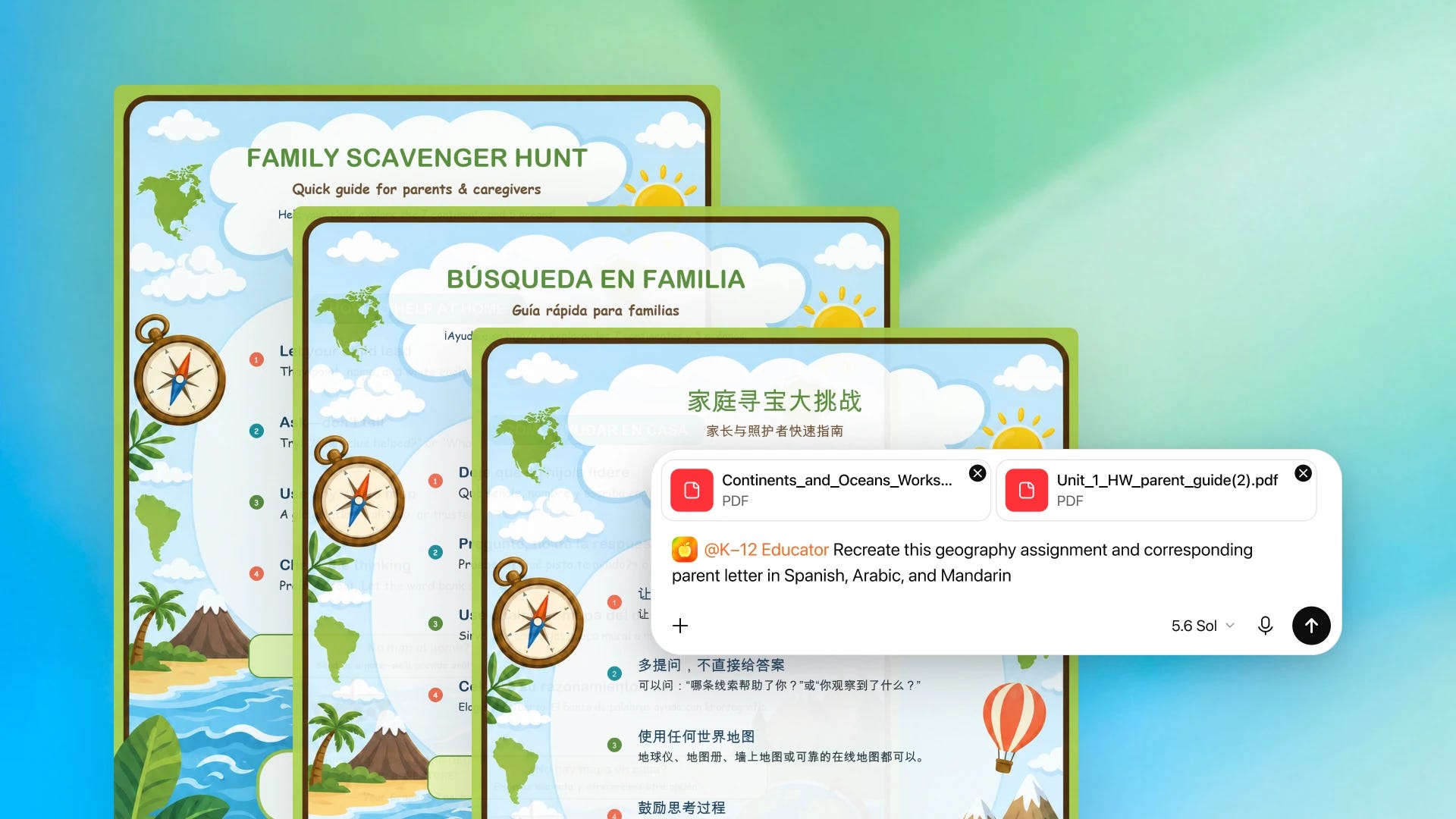
Translate complex classroom materials for multilingual families and students - Antonio Ellis, STEM coordinator
Simulate hard-to-visualize science concepts and labs - Karl Craddock, chemistry and physics teacher
Read more about who we met at each Jam and what they’re building.
Phoenix, AZ • San Bernardino, CA • Chicago, IL • Orlando, FL • Clayton County, GA • Fairfax County, VA

Product Corner: New Education Plugins
Teaching and learning are high-context work. A useful lesson, study plan, or course activity depends on the right materials, audience, and goal.
That’s why OpenAI launched three education plugins for ChatGPT Work and Codex: K-12 Educator, College Educator, and College Student. Each one brings together role-specific skills, apps, instructions, and common workflows so educators and college students can get started without writing complex prompts from scratch.
Watch the launch video and learn more about the new education plugins.

ChatGPT Work in the World: Building a Course You Can Inspect
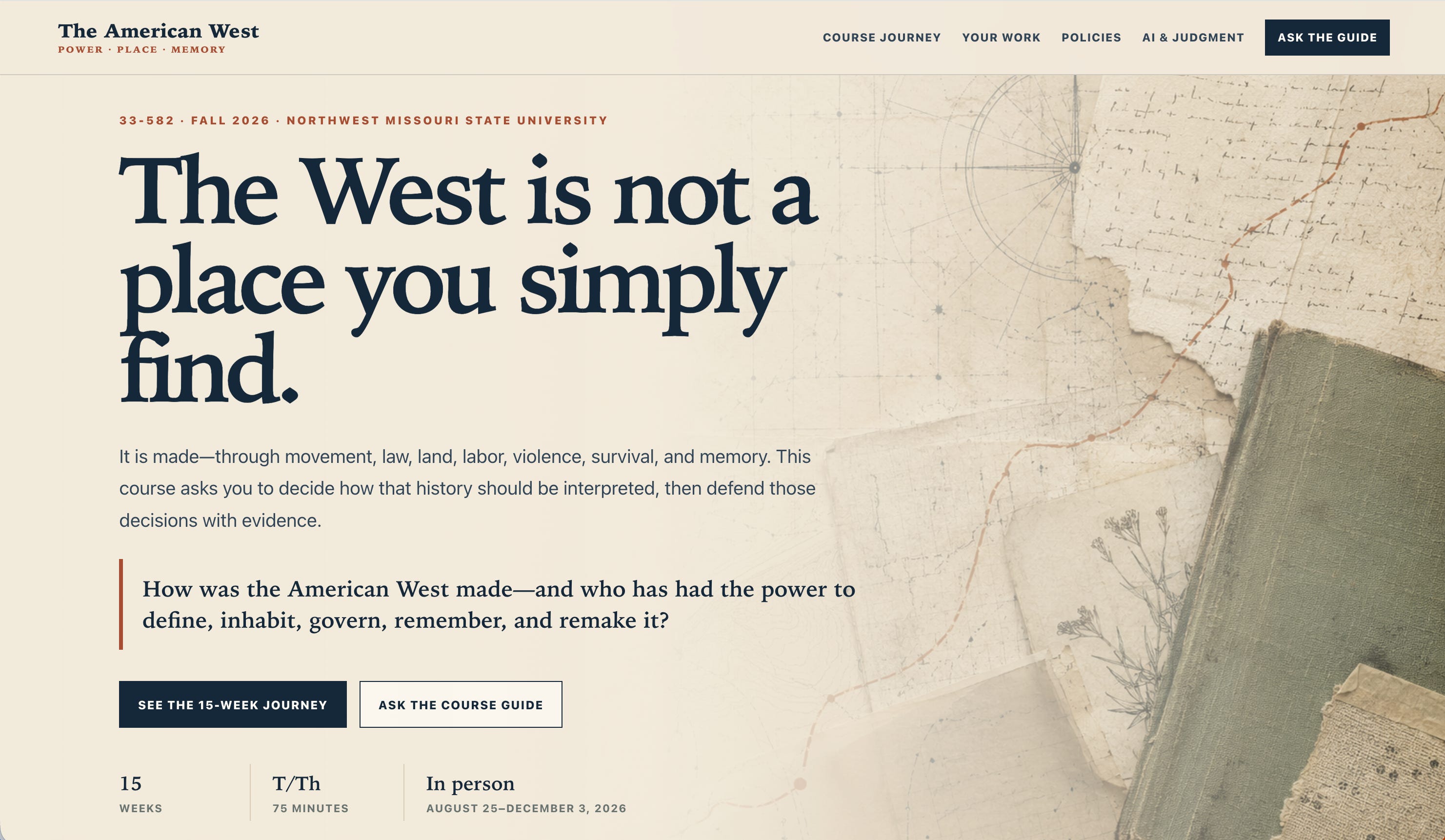
Dr. Robert Voss, Associate Professor of History and Director of the MSEd in Teaching History program at Northwest Missouri State University, used ChatGPT Work and the new College Educator plugin to build two interactive websites for a 15-week American West course: one for faculty and one for students.
The faculty site turns the course into a reusable teaching lab with a full course structure, lecture decks, Canvas-ready materials, assignment architecture, and validation reports. The student site gives learners guiding questions, assignments, AI-use boundaries, and a syllabus assistant grounded only in the published guide.
The first output looked like a solid traditional course, but he wanted to push it further. He revised toward a design where students can use AI, but the graded work still depends on in-class reasoning, evidence, and judgment.
Explore the faculty course lab and the student course companion.

Back to School Idea: Write the AI Rules Before the Assignment Starts
Before students ask “Can I use ChatGPT for this?”, try writing assignment-level AI guidance. Keep it short, specific, and tied to what you actually want students to practice.
Try this: Choose one upcoming assignment and define what AI can support, what students must do themselves, what they should disclose, and how you will give feedback.
Prompt:
Act as a thoughtful teaching partner.
I am preparing for the first weeks of class.
Help me create clear, assignment-level AI guidance for one upcoming task.
Ask me for the assignment, learner level, course goals, and what students should practice.
Then draft:
1) what AI use is encouraged
2) what is not allowed
3) what students should disclose
4) one reflection question that keeps the educator responsible for final review.
Learning with OpenAI: Upcoming Academy Sessions
OpenAI Academy has several short, practical sessions coming up for teams that want to build stronger AI habits at work.
Browse all upcoming OpenAI Academy events.

Have a story idea?
We’d love to hear how you’re using ChatGPT, Codex, or OpenAI Academy in your classroom, campus, district, or daily work. Reply with a short note about what you tried, what changed, and what others might learn from it.
One easy ChatGPT Work idea for daily life: Ask ChatGPT Work to turn a recurring task, like planning meals, prepping for a trip, tracking house projects, or organizing a weekly family schedule, into a simple checklist or mini app.

Thanks for reading. If this issue gave you something useful to try, share it with an educator, staff member, or team who might use it too.
The course example here gets at a distinction I think education needs much more of: allowing AI into the learning process without letting it become the evidence of learning.
AI can support explanation, feedback, diagnosis, and iteration. But at some point the learner still needs to produce reasoning independently so we can see what actually formed.
The interesting design question becomes: where should AI reduce friction, and where should we deliberately preserve it because that friction is producing evidence of learning?