Issue 6: September 24, 2026
This week: three practical ways to help your students study, build, and explain what they know.
Contents

Feature: Choose your mission
What could your students build in 45 minutes?
OpenAI is a founding partner of Handshake’s new AI Skills Studio offering guided missions that help students and early-career learners practice with AI and finish with something to share. Students can highlight their project on their Handshake profile for employers to see.
Start with Create a Multiplayer Game with OpenAI. Students use ChatGPT Work to shape an idea, build and test a game, then publish a link for friends to play. No coding experience is required.
Try the 45-minute game mission

Product Corner: Flashcards and quizzes
Create flashcards in ChatGPT. Ask for flashcards on a topic you want to learn, or upload your notes and ask ChatGPT to turn them into flashcards. Tap to flip, check what you know, and practice what you missed. Ready to practice again? Just ask ChatGPT for your flashcards, or find them saved in your library.
Create quizzes in ChatGPT. Put your knowledge to the test with interactive quizzes. Ask ChatGPT to quiz you on any topic, or upload your own study materials to practice what you’ve learned.
Track all product updates here.

Try This: Visualize
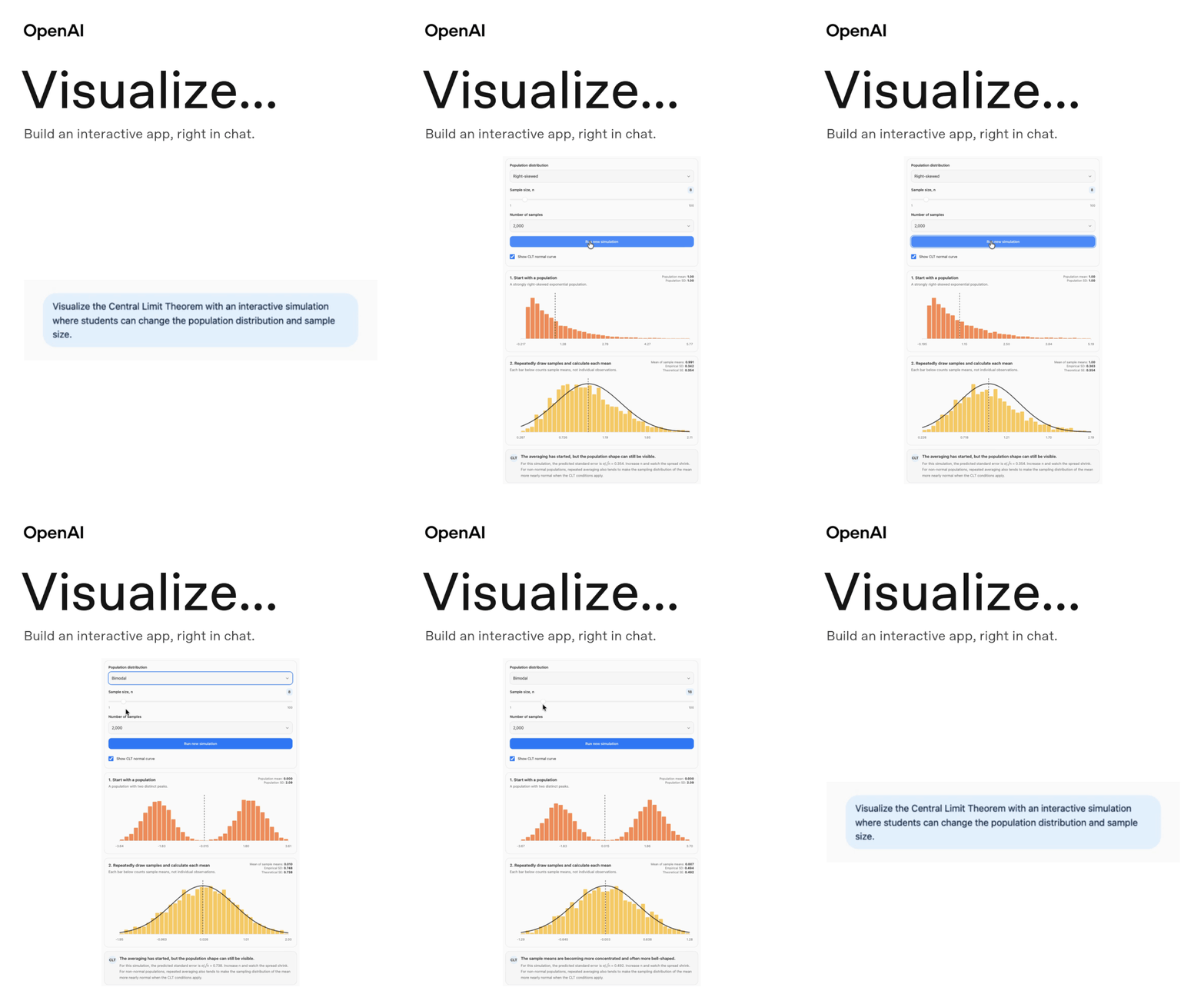
Type @Visualize in ChatGPT and select the matching suggestion. Then describe the interactive visualization you want to create.
This opens up new ways to teach complex concepts, explore systems, and help students learn by interacting with ideas.
Try this prompt:
Visualize the Pythagorean theorem with an interactive right triangle. Let me adjust the two shorter sides and see how the hypotenuse changes.
Availability varies by account and platform. Learn more.

Around the World: Students are building in Japan
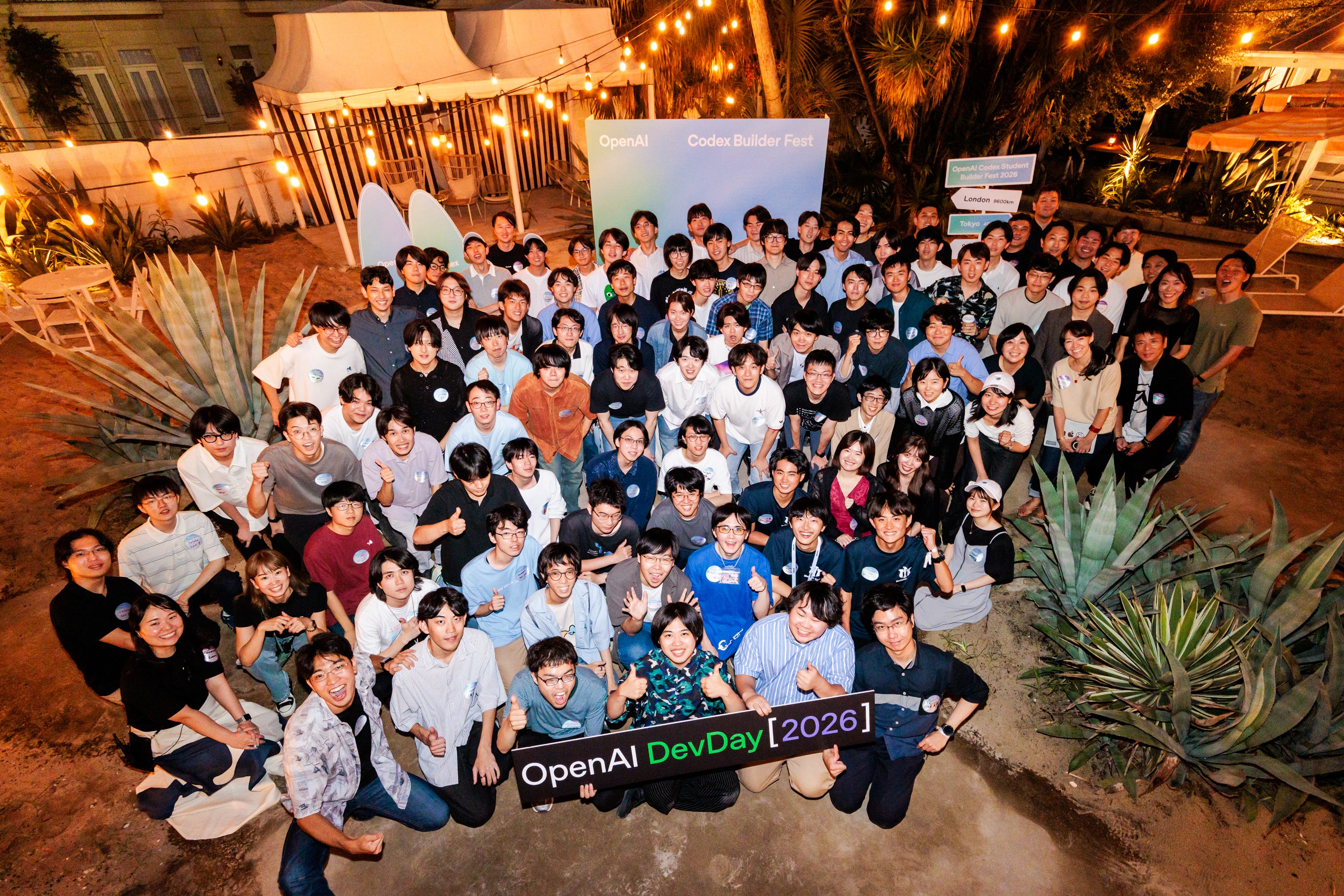
On September 15, students came together for OpenAI Codex Student Builder Fest 2026 in Japan to bring their ideas to life. Their projects ranged from AI-assisted home furnishings and more accessible communication to a virtual restaurant that encourages home cooking. The winning team, Poietra, built a collaborative video creation tool that combines natural-language instructions with hands-on editing—and will head to OpenAI DevDay in San Francisco.
Poietra demo: the winning team’s collaborative video tool combines natural-language instructions with hands-on editing.
Foldable furnishings demo: AI-assisted designs for the home.
Kotoba Link demo: speech, lip-reading, text, and sign language for more accessible communication.
Virtual restaurant demo: meal photos turn home cooking into progress in a game.
Offer: Free ChatGPT Plus for Students
Four free months of ChatGPT Plus for college students. To help more students create polished work, build innovative tools, and bring ambitious ideas to life, eligible U.S. college students can now access ChatGPT Work with four months free of ChatGPT Plus.
Students can learn more and claim the offer at: chatgpt.com/students/2026
Know a student who could use this? Share the offer with them.
Learning with OpenAI: Courses and webinars
Teaching and learning with AI. Learn how to use AI to support your studies, teach your students, learn faster, and prepare for the future in two new courses on OpenAI Academy.
AI for Educators: Plan lessons, activities, assessments, and communications using permitted materials.
AI for College Students: Organize coursework, plan projects, review drafts, and prepare resumes or portfolios.
Help college students make the most of ChatGPT. Sign up for our new webinar series for faculty, trainers, and advisors to explore practical ways to help students learn, create, and review their work with ChatGPT.
What would help your students most?
Study practice, building a project, or exploring a concept visually? Reply with one. Your answer will help shape a future issue.