
ChatGPT for Education explores how AI can help you teach and learn more effectively. Subscribe to receive product education posts like this from OpenAI and profiles of innovators in education in your email inbox.

GPTs are a way for anyone to create a tailored version of ChatGPT to help with a specific task — and then share that creation with others. It’s a powerful tool for teaching and learning, as you can train a GPT to be an on-demand tutor or simulate learning experiences that go beyond what’s possible in the classroom.
In this short guide, we share best practices for setting up a GPT and round up inspiring GPTs built by educators around the world. If you’ve built a GPT, we’d love to add it to our list! Let us know in the comments about the GPT you made, and we’ll update the post with links on an ongoing basis.
Note: Pro and Plus subscribers can make custom GPTs, and all users, including free, can use them.
A guide to custom GPTs
It’s a lot easier to create a custom GPT than you think. As Professor Teddy Svoronos said, “Building a bot will only take you 15 minutes. But making a bot good is going to take you days. It is an iterative process that requires rigorous testing.”
Here’s how to get started:
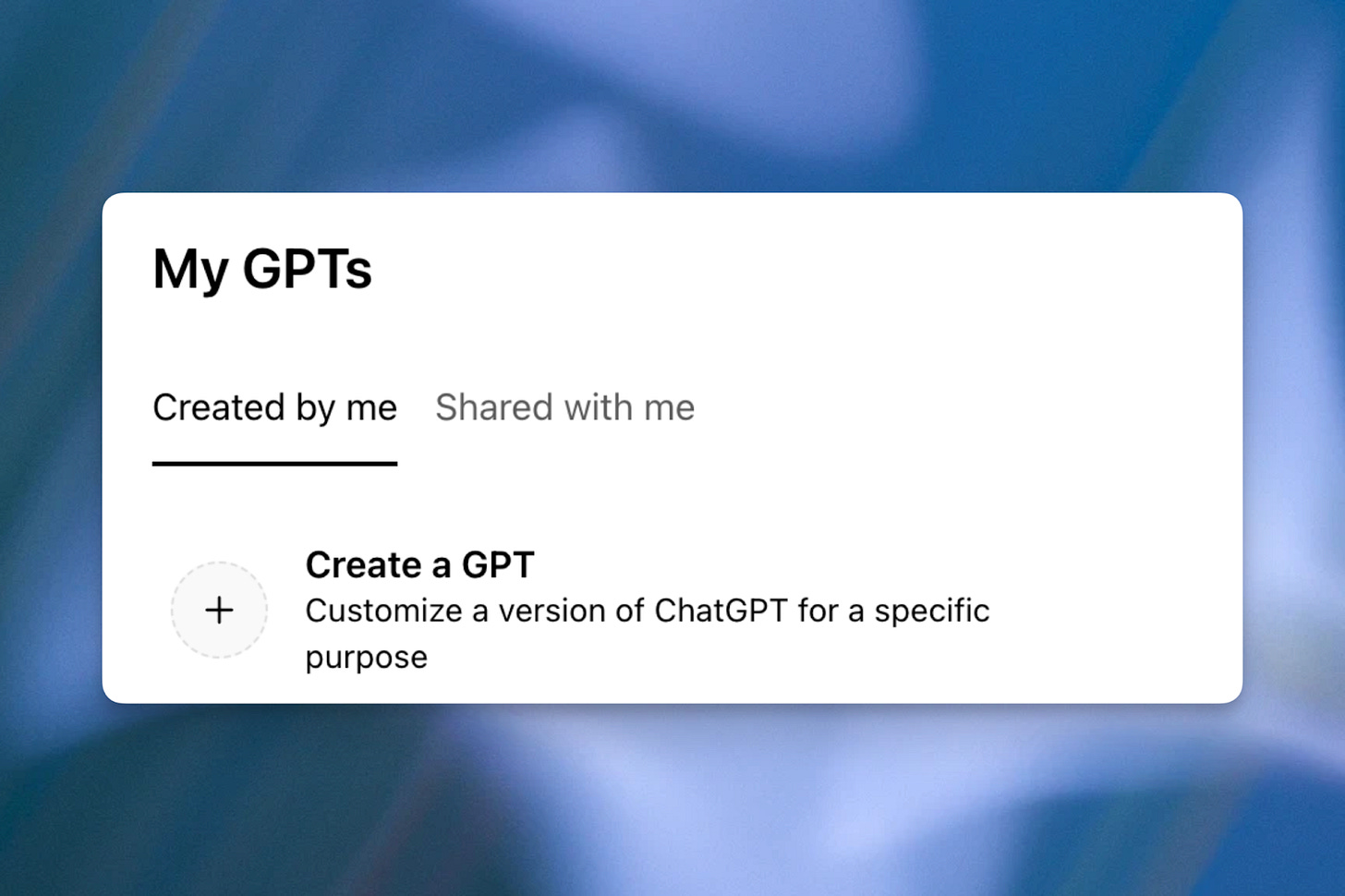
In the ChatGPT profile dropdown, select “My GPTs.”

Select “Create a GPT.”
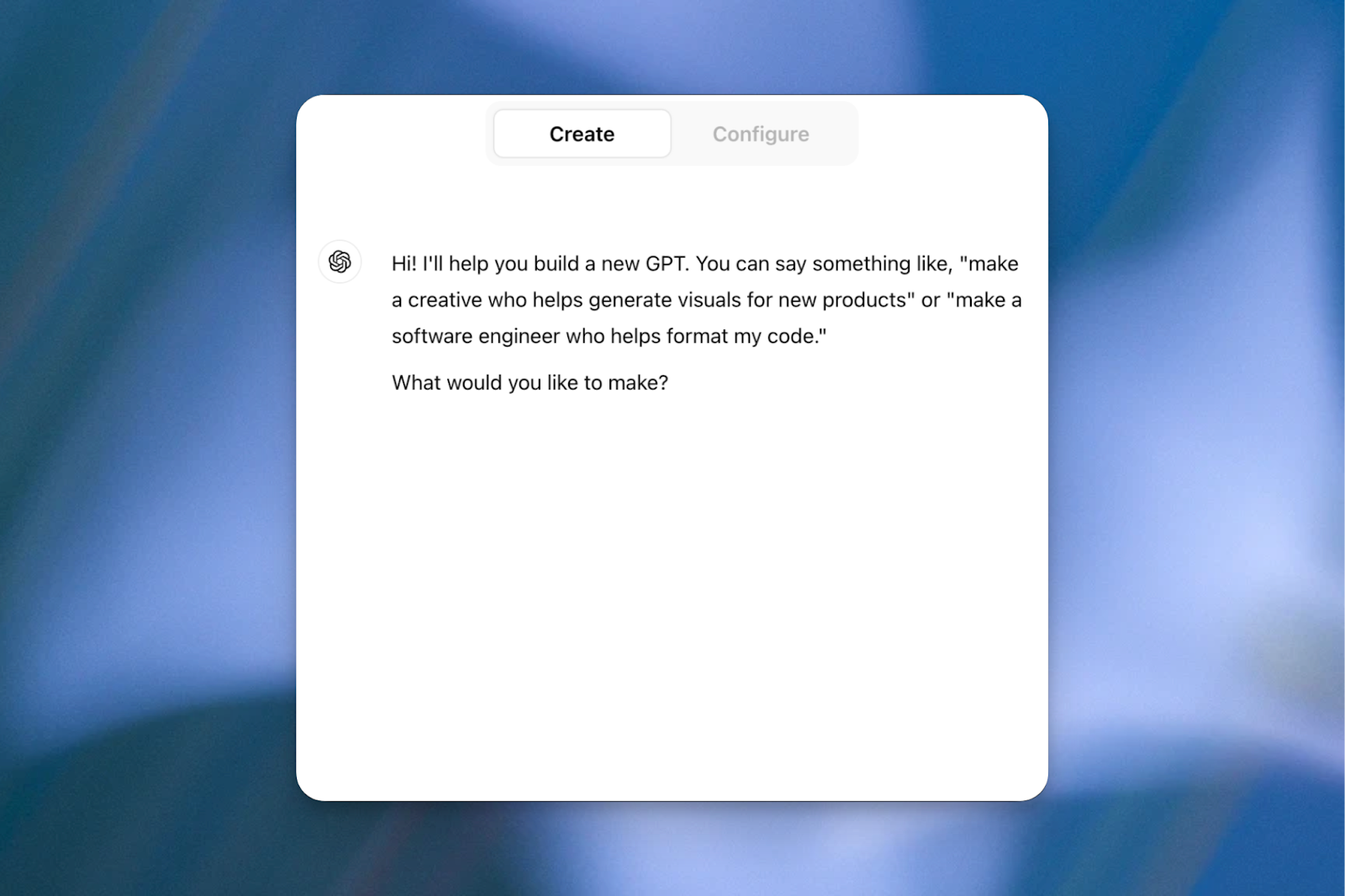
Use the Create tab to build a new GPT.

Examples: “Make me a Teaching Assistant for my statistics course that answers students’ questions” or “Make me an interactive writing companion that gives me feedback based on my OpenStax textbook.”
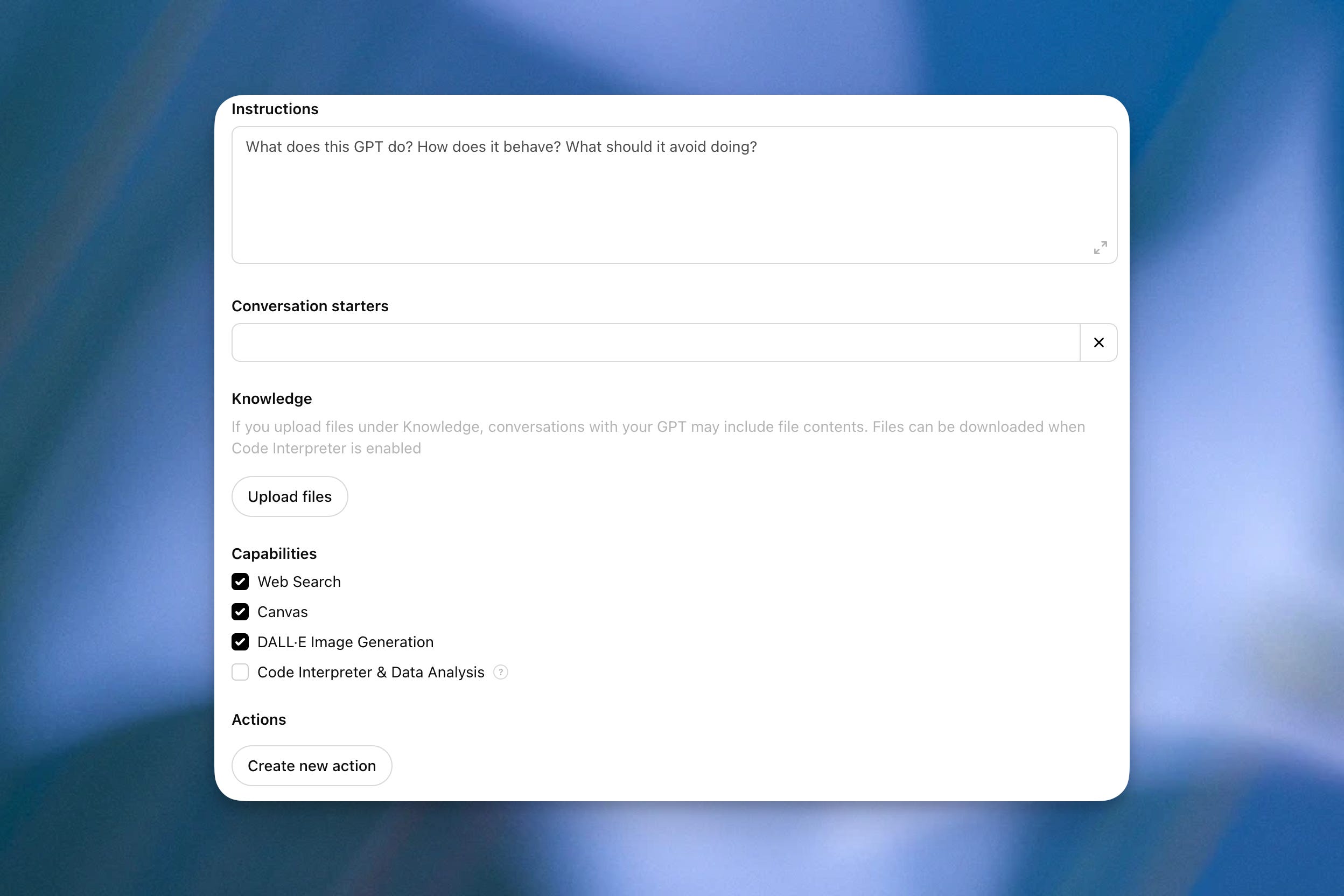
Or use the Configure tab to manually set up a new GPT.
This is a little bit more work, but it allows you to customize things and have more control.
Instructions: You can provide detailed instructions or guidelines on how the GPT should behave, its functionalities, and any particular behaviors to avoid. Educators often refer to this as the main “prompt” for their custom GPT.
Conversation starters: These are examples the user can select to start the dialogue. Think about the most common actions you or your students might take. This might be answering questions, providing explanations, assisting with research, or even beginning a role-playing exercise.
Upload files: Specify what information or expertise the model is trained on. This customization enables educators to align the GPT with their curriculum, learning objectives, and teaching methodologies. You can upload text-based files (e.g. .txt, PDF, Word, or Markdown formats) or numerical data (.csv or Excel files).
Capabilities: These are the functions a GPT can perform.
Actions: For those who are more advanced, you can make third-party APIs available to your GPT.


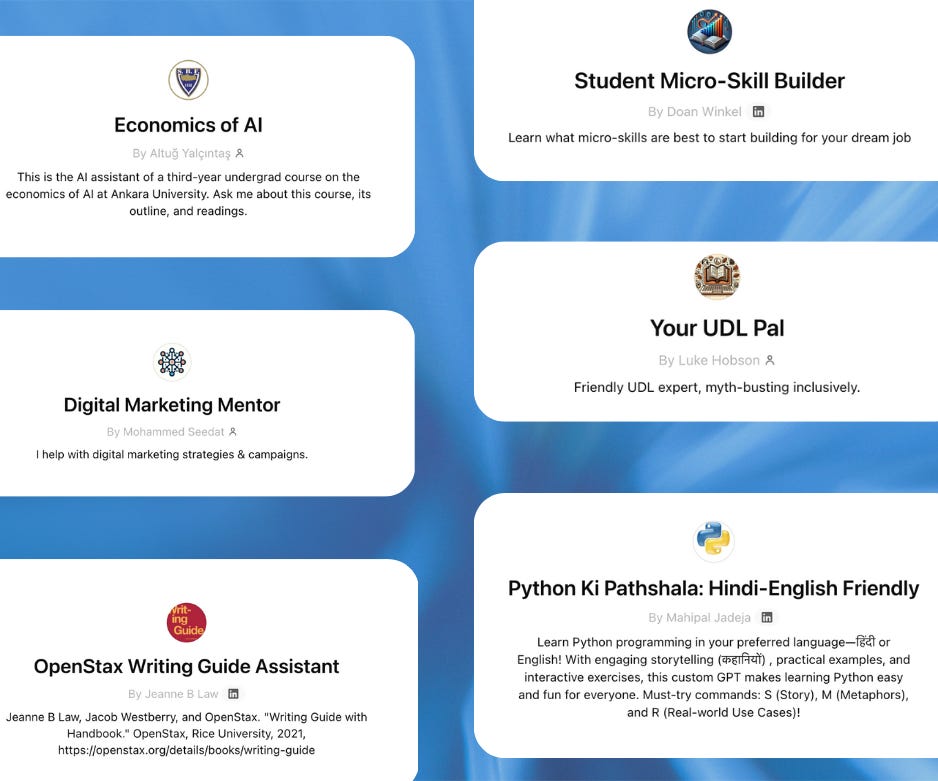
Custom GPTs created by educators
Customer Interviewer by Doan Winkel
A simulator for entrepreneurship students to role-play customer interviews. Doan has also built other custom GPTs, including Micro-Skill Builder, Targeted Resume and Cover Letter Creator, and Job Interview Question Generator.
Learn moreOpenStax Writing Guide Assistant by Dr. Jeanne Beatrix Law
An interactive companion to the OpenStax writing materials Jeanne uses in her class, providing students with on-demand guidance tailored to their assignments.
Learn moreStatGPT by Teddy Svoronos
An infinite question bank of statistics practice problems that adapt to an individual student’s needs and interests. Learn morePython Ki Pathshala by Mahipal Jadeja
Interactive Python programming lessons, in Hindi and English, to help students master coding by connecting concepts to their favorite TV series, sports, or hobbies.Economics of AI by Altug Yalcintas
An AI assistant for third-year undergrads at Ankara University to interact with the course materials.Your UDL Pal by Luke Hobson
A guide to making online learning materials more inclusive and accessible using Universal Design for Learning (UDL) principles.Digital Marketing Mentor by Mohammed Seedat
Helps students create a comprehensive marketing plan.
Have you created a custom GPT?
Drop a link in the comments to a custom GPT you built or frequently use. Let us know why you’ve built it or use it and a story about how it’s provided value.
I created a GPT "Super Prova" for the Brazilian educational context, modeled after the important assessments from the Federal Government and the Ministry of Education: ENEM (administered to students seeking higher education) and ENADE (administered to higher education students as a diagnostic of the quality of professional training). This GPT has helped teachers create intelligent and significant tests for their students, enhancing their question banks and offering opportunities for practice, simulated exams, and improvement.
https://chatgpt.com/g/g-679e5da085008191add5c0823aeaa8a9-super-prova-por-prof-allan-pscheidt
I created many custom GPTs for our school (we teach English as a second language for academic purposes) so that our students could practice their language skills (vocabulary exercises, speaking practice, writing practice etc.) but unfortunately the biggest obstacle has been the rate issue - students easily get discouraged by the fact that they are told their time is up and that they have to wait for a couple of hours (and this happens after only a few bare exchanges with a custom GPT). Yes, it happens because they are on free-tier but where we are located, 20 dollars is a lot of money (Istanbul, Turkey). Since late January, I have been using another way to have our students exploit ChatGPT's immense potential - what I call "flipped prompting". So, what I do is that I write a prompt from the perspective of a student and then start a conversation on ChatGPT - next, I go to the Share button on the top right corner and create a link to the conversation before I share it with our students - when the students have clicked on the link, they simply continue the conversation I created in the first place and thus do the activity that I designed for them. As a school, we have found this simple method more practical because there is no rate issue (ChatGPT only moves to another model after the student uses up their daily credits - they don't get stuck and as result have to wait for a couple of hours). This method works quite well, especially if you have simple tasks and activities for your classes.
Let me give a very simple, easy example to show how the prompt should look like - let's say I want my students to practice their speaking skills with ChatGPT, so the prompt will be something like this: "I am a B1 level student who learns English as a second language (for academic purposes). I want to discuss the following question with you so that I can practice my spekaing skill. Please use simple English vocabulary and sentence structure that will be appropriate for my level. Keep your sentences brief and guide me with your follow-up questions during our discussion. Please give me feedback about my English (my grammar and vocabulary mistakes) at the end of our discussion. Here is the question I want to discuss with you: (DISCUSSION QUESTION)).
That's all you need if you are planning easy, straightforward in-class and/or self-study tasks and activities for your students (depending on your topic/course). You can also create relatively complex activities for your students but it would be too much to delve into them in a post like this (Hint: Use ChatGPT for such complex prompts - describe what you want to do and have it write the prompt with you and for you - just make sure that the prompt is written from the perspective of a student - remember, all you need is flipped prompting).
Wish you all the best.